A home maintenance log for iPhone and iPad
A filter looks much the same a week after you fit it as it does months later. Last Time gives you somewhere to record the change, then shows how long it has been. Use it as a home maintenance log for the replacements, servicing and repairs you want to remember.
Each item keeps its own history and notes. You can check the last service date on your iPhone, or review the same records on your iPad with optional iCloud sync.
Get Last Time for iPhone and iPad.
Give each maintenance record a specific name
An entry called “Filter” becomes ambiguous as soon as you have more than one. Include the appliance or location: “Replace kitchen water filter” or “Service upstairs air conditioner”.
Start with the things you have already had to look up on an old receipt. These examples show what a useful record might contain; they do not prescribe service intervals.
| Record | What to put in the note |
|---|---|
| Replace kitchen water filter | Cartridge model and where you bought it |
| Service upstairs air conditioner | Work completed and technician’s name |
| Clean gutters | Sections cleared and any damage noticed |
| Repair washing machine | Part replaced and repair company |
| Paint spare room | Paint brand, colour code and finish |
Separate a one-off repair from routine servicing if you want to track their dates independently. “Repair washing machine pump” and “Clean washing machine filter” answer different questions.
Build the log as you do the work
- Add the item to Last Time. Use the appliance and job in its name.
- Enter the date it happened. You can backdate an entry from a receipt or service record. If the date is unknown, begin with the next completed job.
- Keep the details in a note. A part number or paint colour is often more useful months later than a general “Done”.
- Mark it done the next time. The elapsed-time counter starts again, while earlier entries remain in the history.
For a replacement you expect to keep for years, switch the counter’s unit to months or years. For recurring work, the history lets you see the gap between visits.
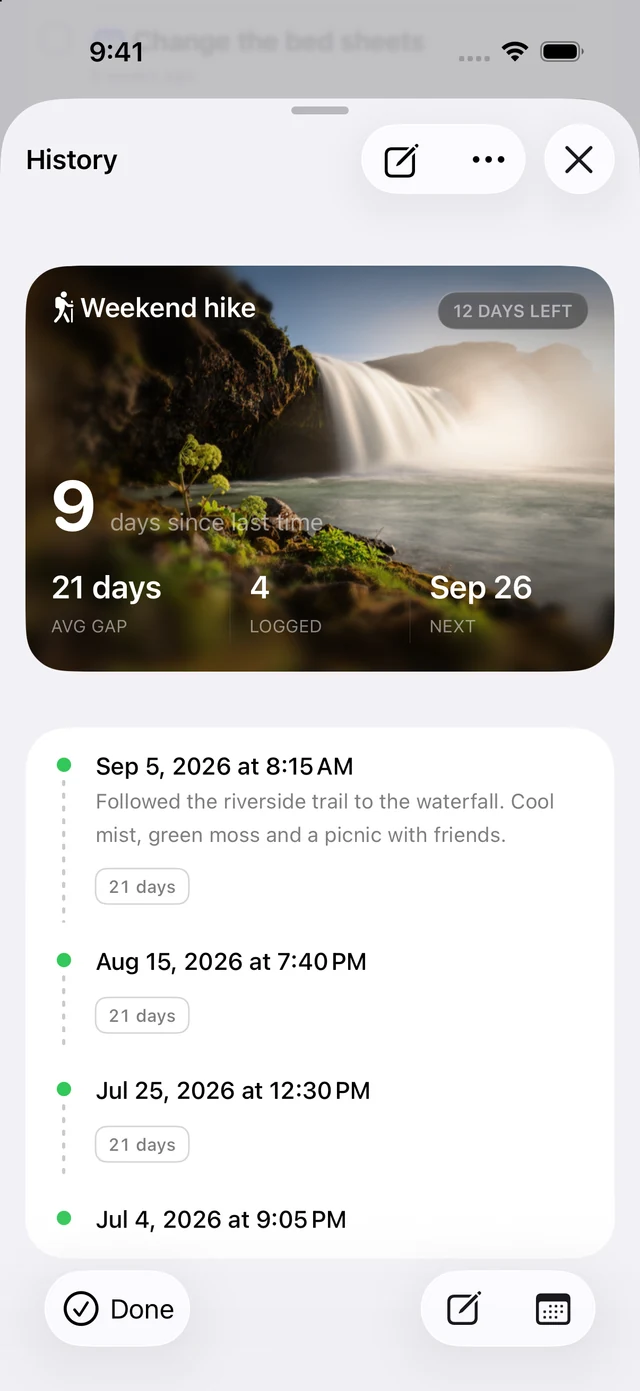
Keep the details you will need next time
Imagine you repainted the spare room two years ago. A counter answers how long it has been; the note can answer which paint to buy for a touch-up. Both belong with the same event.
Use a cover photo to make an item easier to recognize in your list. Keep service invoices and manuals wherever you already store documents, and use the event note for the details you want to find quickly.
Use the manual to decide when work is due
The elapsed time tells you how long it has been since the last job. Your product manual or service professional should determine the maintenance interval. An average of your past entries describes what happened; it does not establish the correct schedule for an appliance.
Last Time can show due and overdue events and include them in a morning digest. Keep any required inspections on the schedule specified for your equipment.
Include the smaller household jobs, too
The same approach works for cleaning the fridge or washing curtains. See how to track household chores for a sample cleaning log, or how to remember when you last did something for other ways to keep dates close at hand.