Household chores
Wash the sheets. Clean the oven. Descale the kettle.
A days-since tracker for iPhone and iPad. Remember when you last did something, and see how long it’s been.
Download on the App Store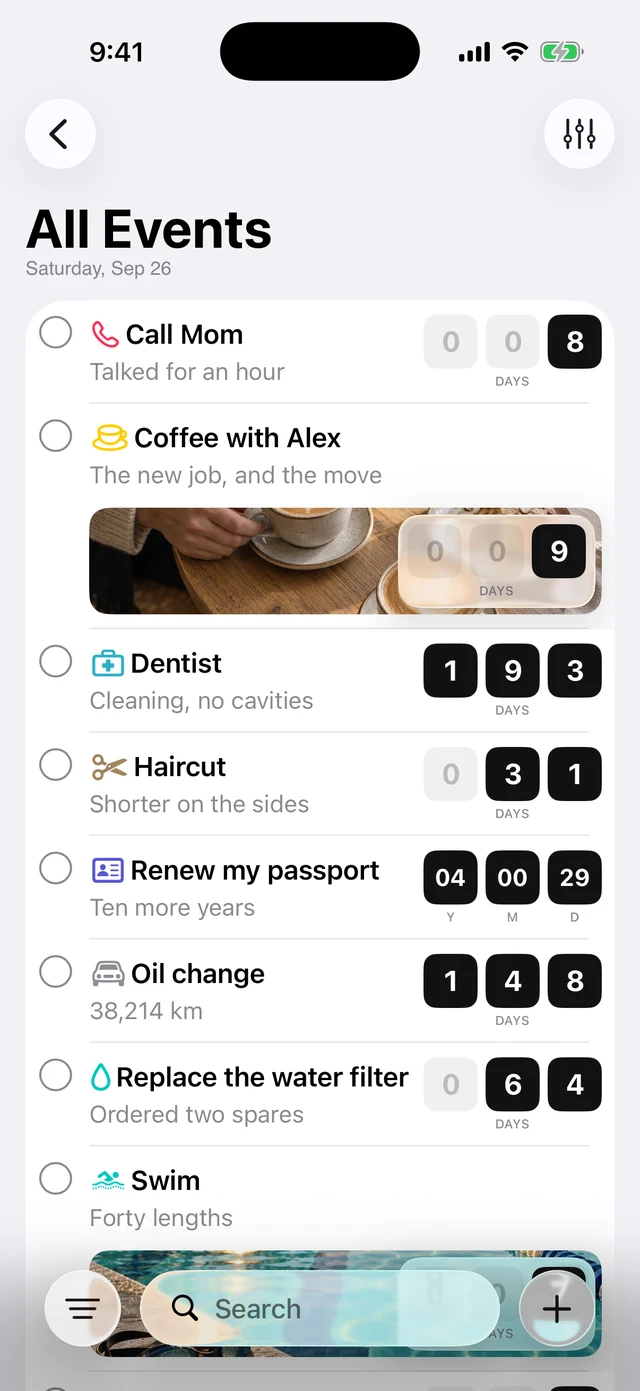
Written about in
AppAdvice “A gorgeous app that helps you remember.”
Lifehacker “Attractive, easy to use, a novel way to get things done.”
Anything that makes you ask, “When did I last do that?”
Wash the sheets. Clean the oven. Descale the kettle.
Change a filter. Service the air conditioner. Paint a room.
Water the cactus. Feed your plants. Get the dog groomed.
Get a haircut. Replace your toothbrush. Visit the dentist.
Call your parents. Catch up with a friend. Visit family.
Go for a hike. Take a day off. Plan a weekend away.
Need a starting point? Explore the tracking guides for chores, plants, pets, catch-ups and more.
Have a date in mind? Try the free days-since calculator.
How it works
Keep a list of the things you only do now and then — your last holiday, your last call home, the last time you changed a toothbrush. It works for the habits you would rather break, too: smoking, running late.
Adding something takes one line. Type it, and you are done.
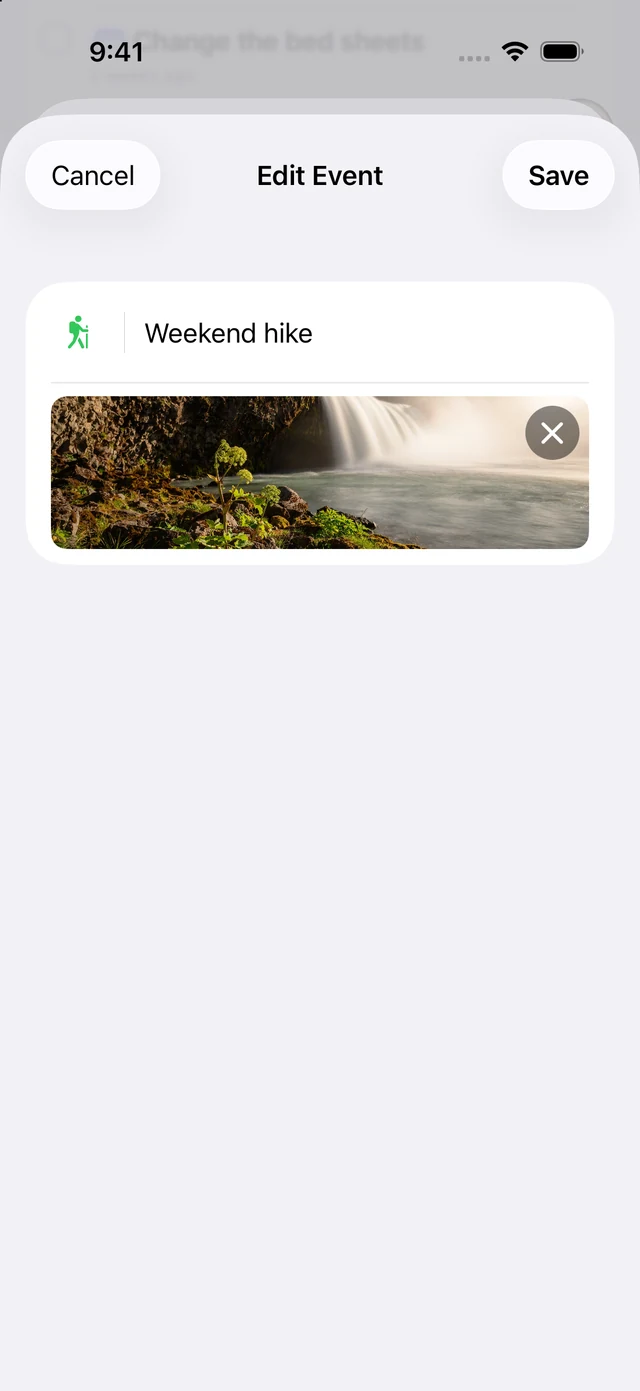
Give it a cover photo, an icon and a colour. Add a date in the past or a first note, all in the same editor.
Then put it out of your mind. Last Time starts counting the moment you add something, and keeps counting whether you open the app or not.
and counting, without you
When you do wonder, open the app. Every answer is a number, and you get it in one glance.
Group the list into Overdue, This Week and Later, or sort it your own way and search it.
Done it again? Mark it done and the count starts over. Choose yesterday from the menu, or pick another date.
Every reset is kept. See the whole timeline, or group it by month in Settings.
Switch the counter to years, months or hours.
Made for your own list
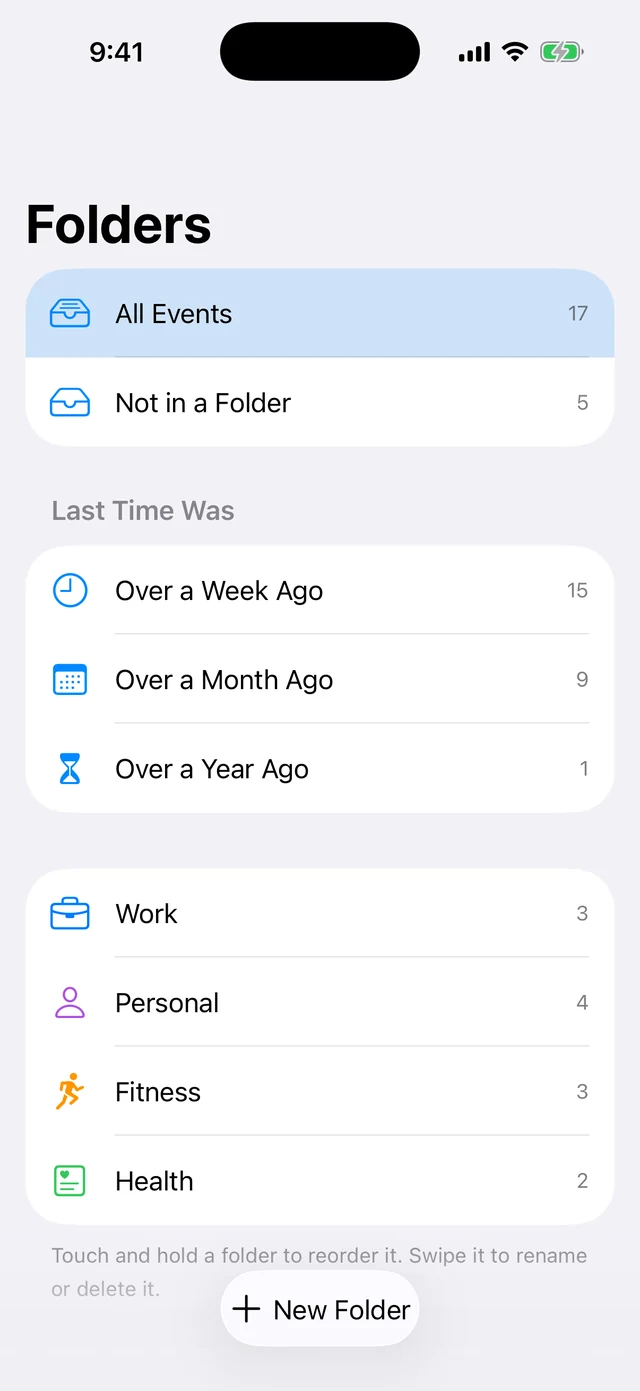
Keep home, health and everything else in folders of your own. Give each folder an icon and a colour.
From the sidebar, see events you last did over a week, a month or a year ago.
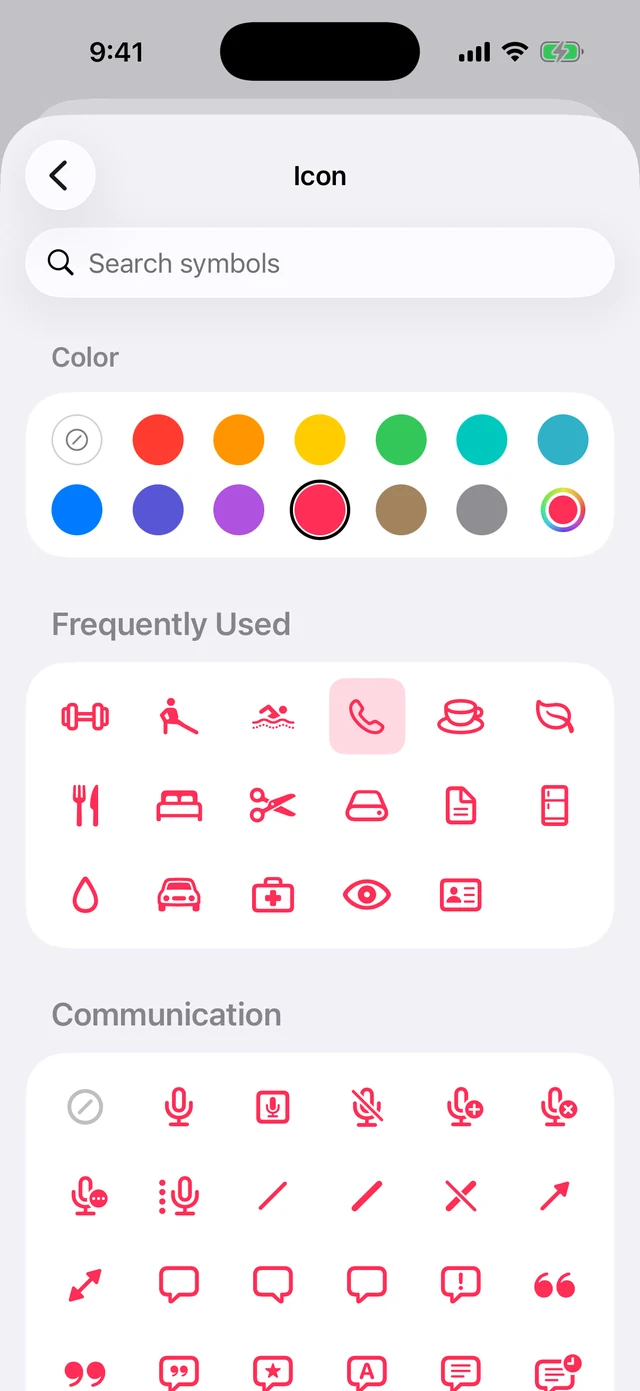
The icon picker puts the icons your events use most at the top. Choose how many to show in Settings.
Archive an event without losing its history, folder or photo. Restore it whenever you need it again, from Settings.
Follow your device’s text size, or make the app’s text larger or smaller. Preview the change in Settings.
Mark an event done, ask when you last did it, or open it through Shortcuts and Siri.
A look around

One notification a day, at an hour you pick — and only on the days there is something to say.
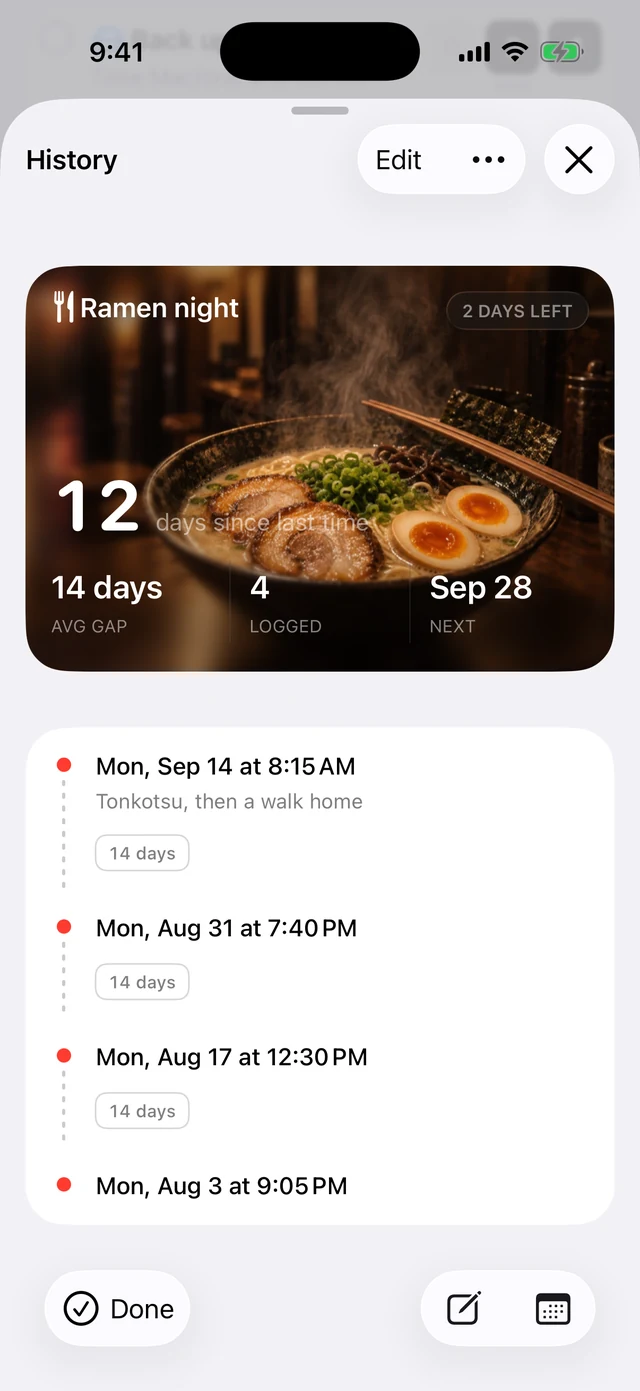
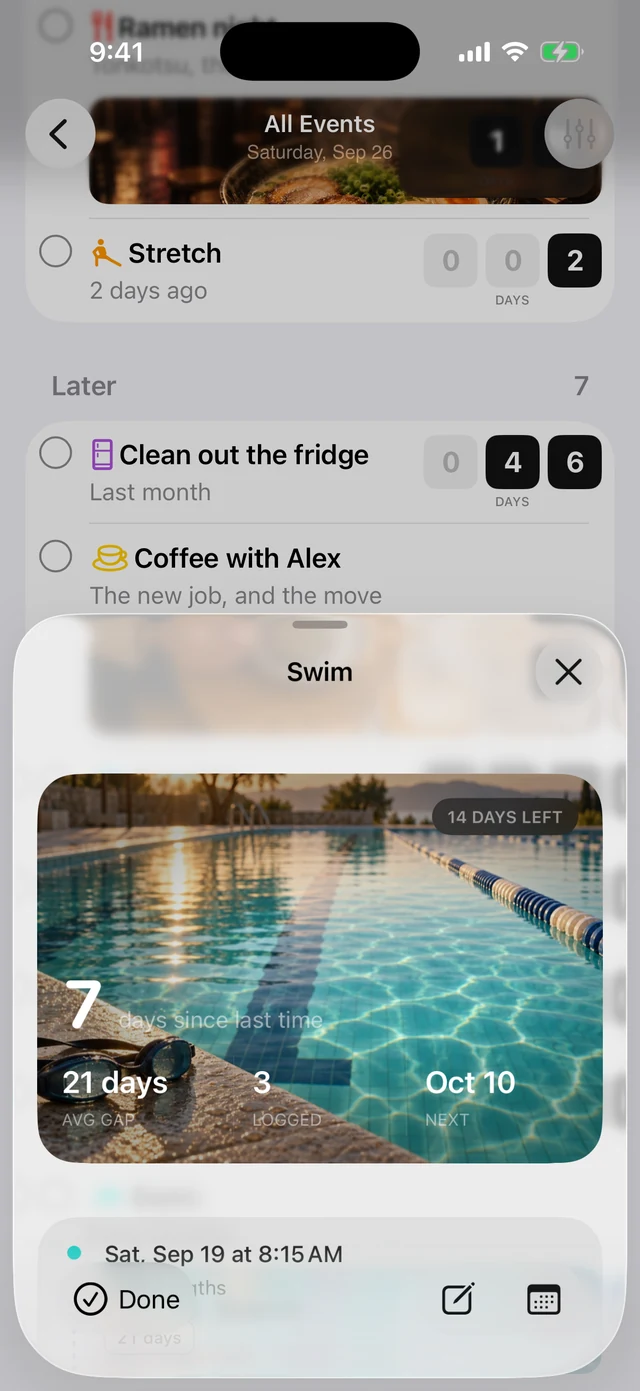
The whole timeline, with notes, weekdays and the gaps between entries — plus your usual gap, and when the next one is due.
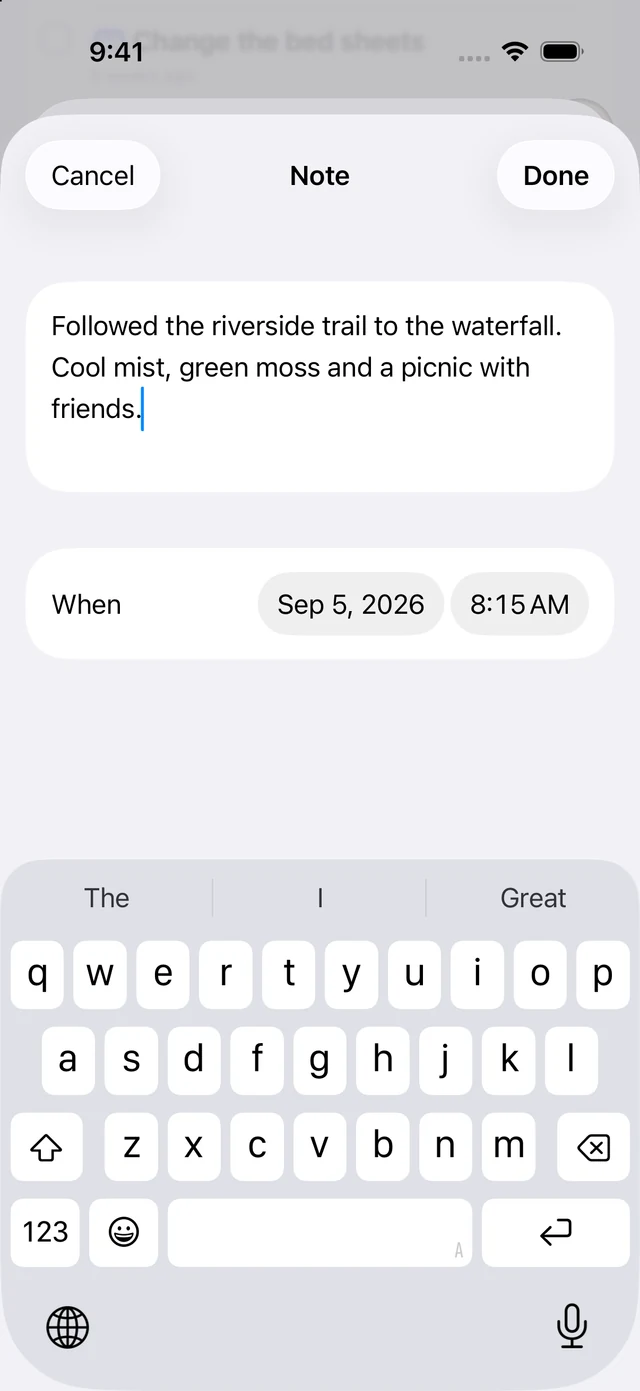
Open any history entry to see its date and note, or edit the details later.
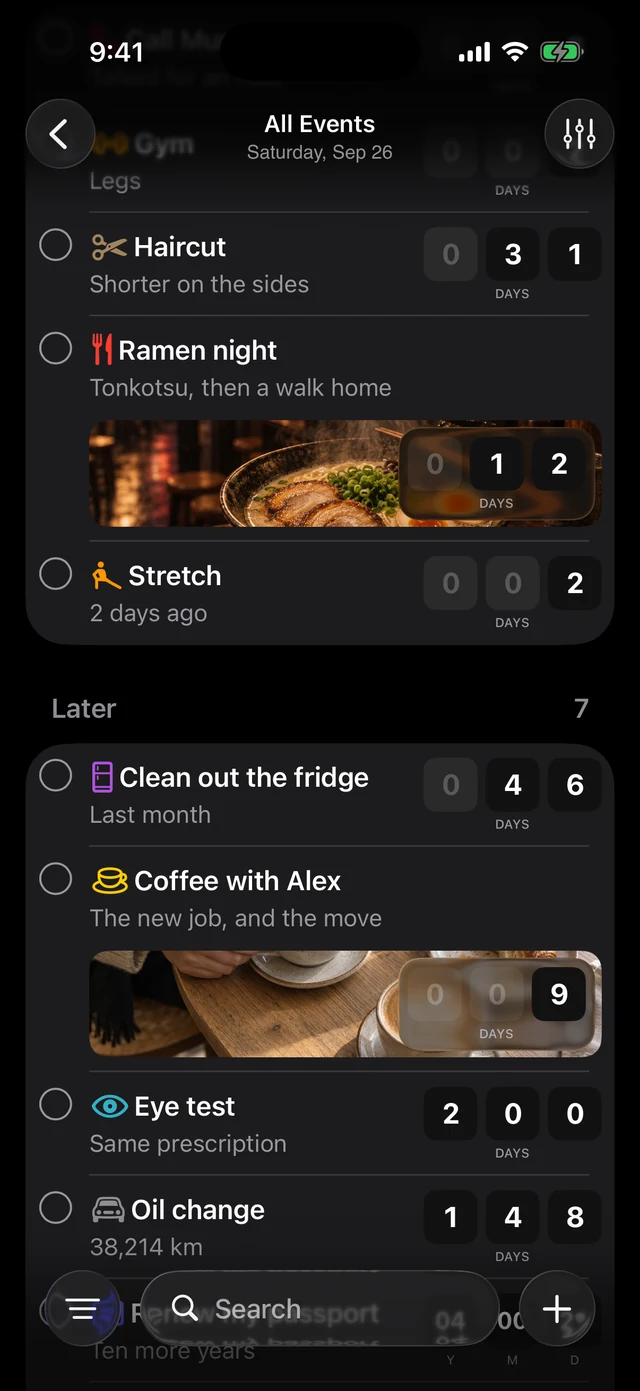
Follow the system, or pin it to one and leave it there.
Just does what it says it will. You want to know how long batteries last in a device? This is your tool. When did you water the cactus? It tracks. Best little app.
How long ago did I put in new contacts? How old are my car tires? When did I last have my dogs nails clipped? Easy peasy. Just what I’ve been looking for for years!
I’ve used Last Time for a long time, many years. It’s still my go-to third party utility. Totally handy for tracking the last time for anything. Syncs between iPhone and iPad well.
This app is amazing! Have been using it for like 10 years.
I use this app constantly. I track the last time I painted rooms, replaced electronics, visited family, and more. Impressive app.
With memory problems this is made for me!! I even showed it to my dr and he’s mentioned it to other patients! Thanks!
Just as it says on the tin. The Siri integration is particularly useful.
I love the minimal design! I also love the feature where you can assign the desired icon for the type of event. It’s my daily go-to app now!
What you enter stays on your device unless you enable iCloud sync. With sync on, it is copied to your own iCloud account. I do not collect it, and there is no app account to create.
Yes. One morning digest a day, at an hour you choose — and only on days when something is overdue or due, so it stays worth reading.
Yes. Set a date in the past when you add it, and the count starts from then rather than from today.
No. Switch any counter to years, months or hours.
They are kept. History shows every previous time in order, and you can add a note to each.
Yes. Search it, sort it alphabetically, by newest or oldest, or drag it into an order of your own — and group it into Overdue, This Week and Later.
Yes, over iCloud, if you turn it on. It carries your events, their history and notes, and their icons and colours to every device on the same iCloud account.
It is a one-time purchase: $5.99 on the US App Store, with local pricing in other countries. There is no subscription, and one purchase includes every feature on both iPhone and iPad. The only in-app purchases are optional tips (Support developer, in Settings), and they unlock nothing.