A household chore tracker for iPhone and iPad
When did you last wash the sheets? And was it this month or last month that you cleaned the oven? Last Time keeps a record of completed household chores and shows the days since each one, so you can decide what needs doing next.
It is useful for jobs you do at uneven intervals: cleaning a fridge, washing curtains, descaling a kettle. Each chore has its own counter, history and notes.
Get Last Time for iPhone and iPad.
Start with the chores you have to think about
Choose three or four jobs whose last completion date is easy to lose track of. Name each one clearly enough that you will know what it means later. “Wash bedroom sheets” is more useful than “Laundry” if you run several different loads a week.
Here is an example cleaning log you can adapt. The notes are examples of what to record, not a suggested cleaning schedule.
| Chore | Useful note after doing it |
|---|---|
| Wash bedroom sheets | Spare set put on; duvet cover washed too |
| Clean the fridge | Shelves and vegetable drawers cleaned |
| Descale the kettle | Product used and whether it needed a second pass |
| Clean the oven | Racks cleaned; door glass still needs attention |
| Wash curtains | Living room pair only |
Keep separate counters for jobs you do separately. If the kitchen and bathroom get cleaned on different days, a single “Clean the house” counter will not tell you much.
How to track chores in Last Time
- Add a chore. Give it a name, and an icon or colour if that makes it easier to spot.
- Set the last completion date. If you know you washed the sheets last Saturday, use that date. If you do not remember, start recording at the next clean.
- Mark it done when you finish. The counter starts again, and the previous entry stays in the history.
- Add a note when there is something worth keeping. Record which room you cleaned or which part of a job you completed.
- Check the elapsed time before choosing the next job. Search your list or sort it to find the chore you need.
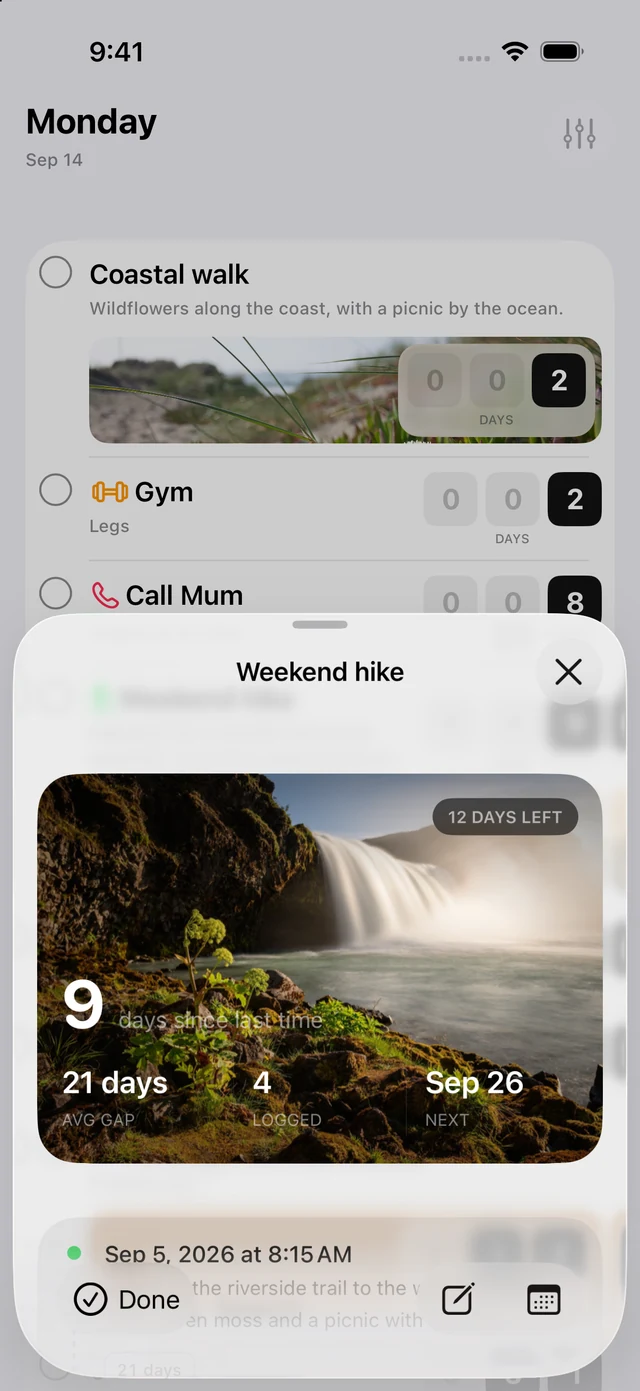
A chore history you can look back through
Resetting the counter does not erase the previous clean. Open the history to see past entries and their notes. Over time, the average gap helps you understand how often you actually get to a job.
You can also use Last Time’s morning digest for due or overdue events. It sends one notification at the hour you choose, only on days when there is something to report.
A simple log, or a household planner?
Last Time fits a personal cleaning log: what you did, when you did it and how long it has been. If you need to assign chores to different people, manage a rota or award points, look for a household planner with those features.
Optional iCloud sync keeps your Last Time events, notes and history on your iPhone and iPad using the same iCloud account.
Keep repairs and replacements alongside cleaning
You can track servicing and replacements in the same app. The home maintenance guide explains how to name those records and keep useful notes. For a paper or calendar approach, see five ways to remember when you last did something.